← Swipescape
SwipescapeComing November 11, 2026

PRESS KIT

Swipescape

Seamless carousels from one wide photo, or from many.

The facts, the App Store descriptions, the app icon and the App Store screenshots for iPhone, iPad and iPhone Duo, free to use in coverage of Swipescape. Everything is also in one zip.

Fact sheet (.txt) · app icon at 1024, 512, 256 and 128 px (PNG) · 21 App Store screenshots (JPEG)

FACT SHEET

App
Swipescape: Panorama Carousel
Release date
November 11, 2026
Price
Free download. Swipescape Pro Lifetime: $9.99, one payment, no subscription, with Family Sharing. Prices in US dollars; they vary by country or region.
Free
Carousels of 2 to 5 slides, grids from 3×1 to 3×3, collages of 2 to 6 photos with 4 templates, the most recent project, clean exports with no watermark
Pro
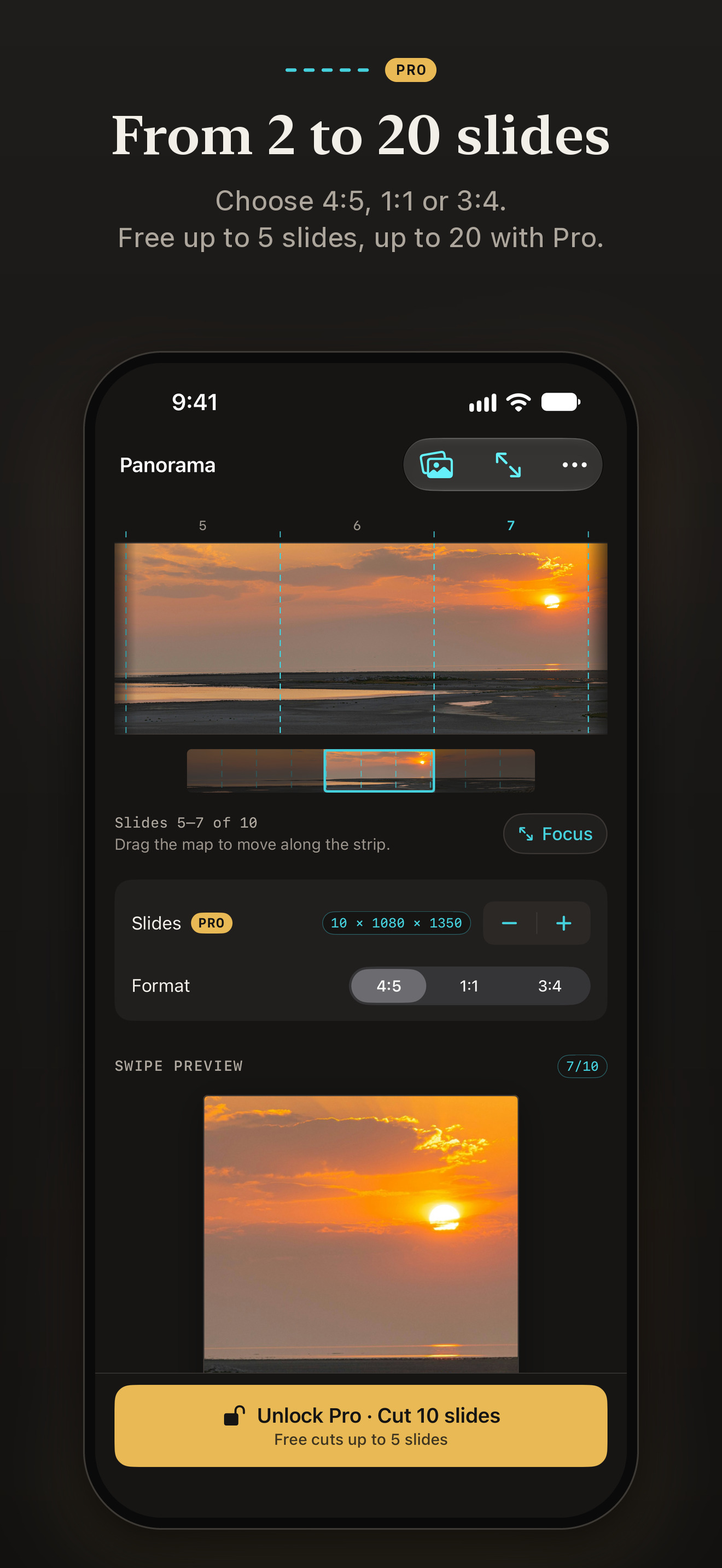
Up to 20 slides, grids up to 3×6, collages of up to 20 photos, all 12 templates, Adaptive colors, text and the swipe sticker, background fill, PNG export, unlimited projects and a posting checklist
Platforms
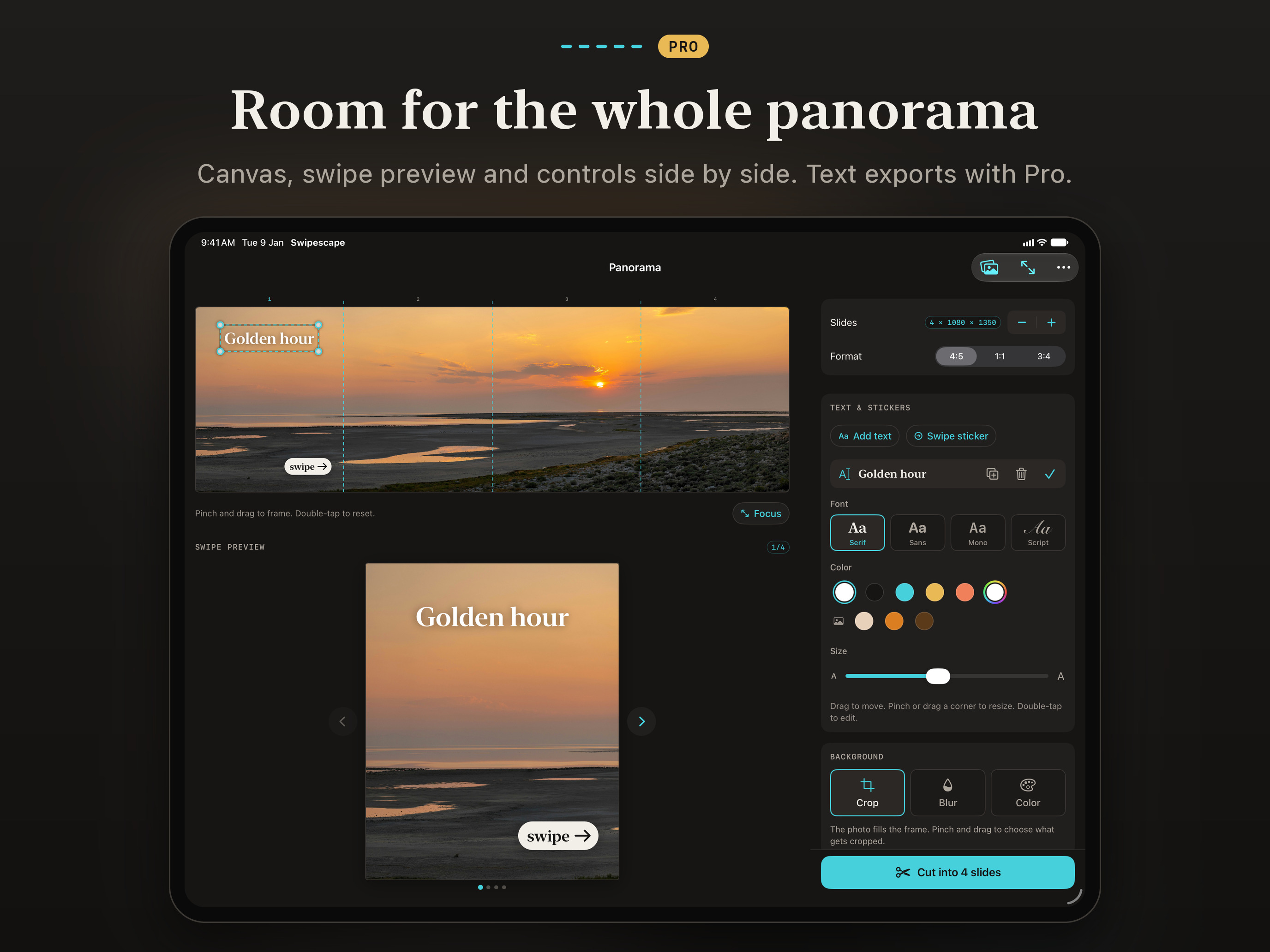
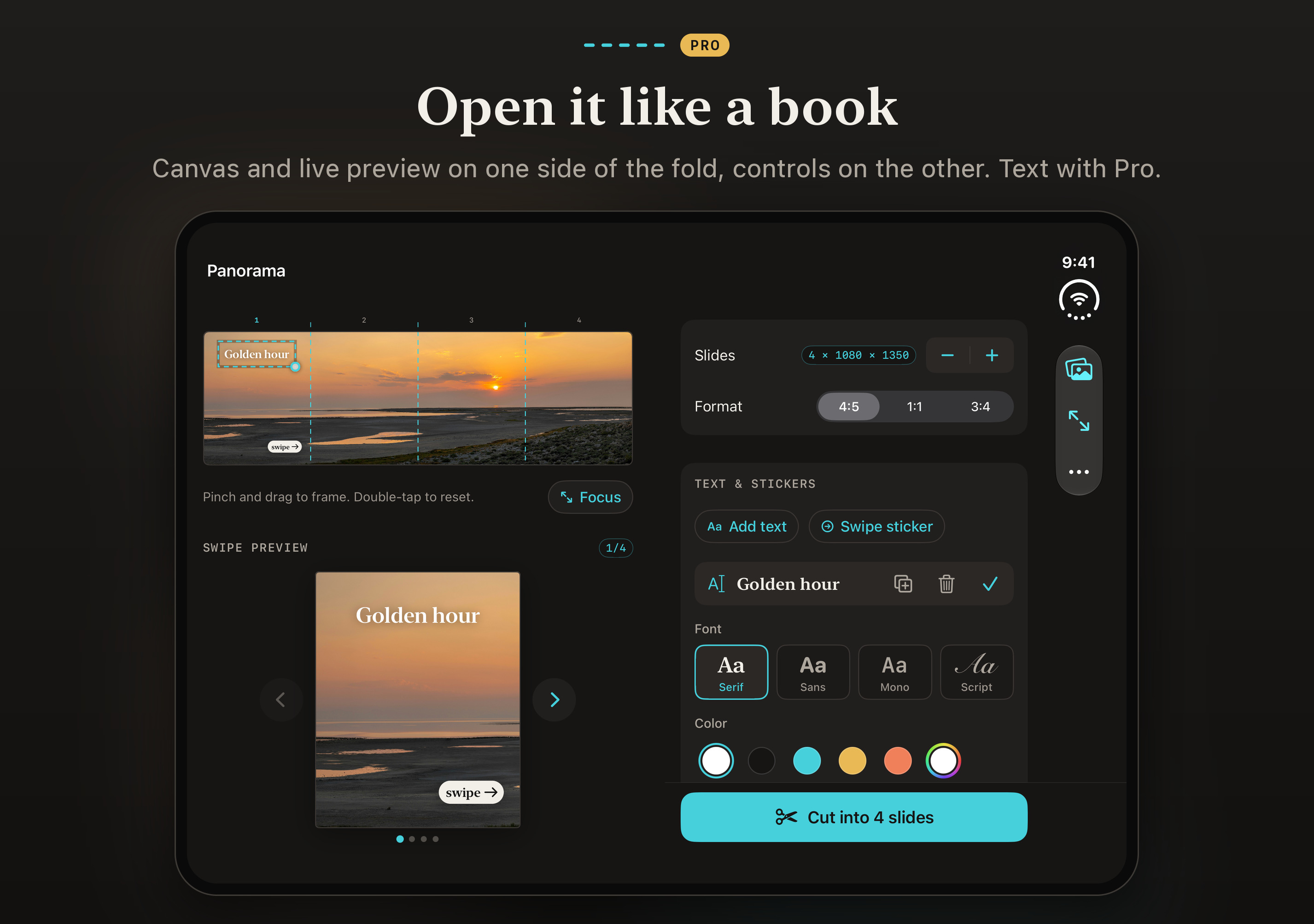
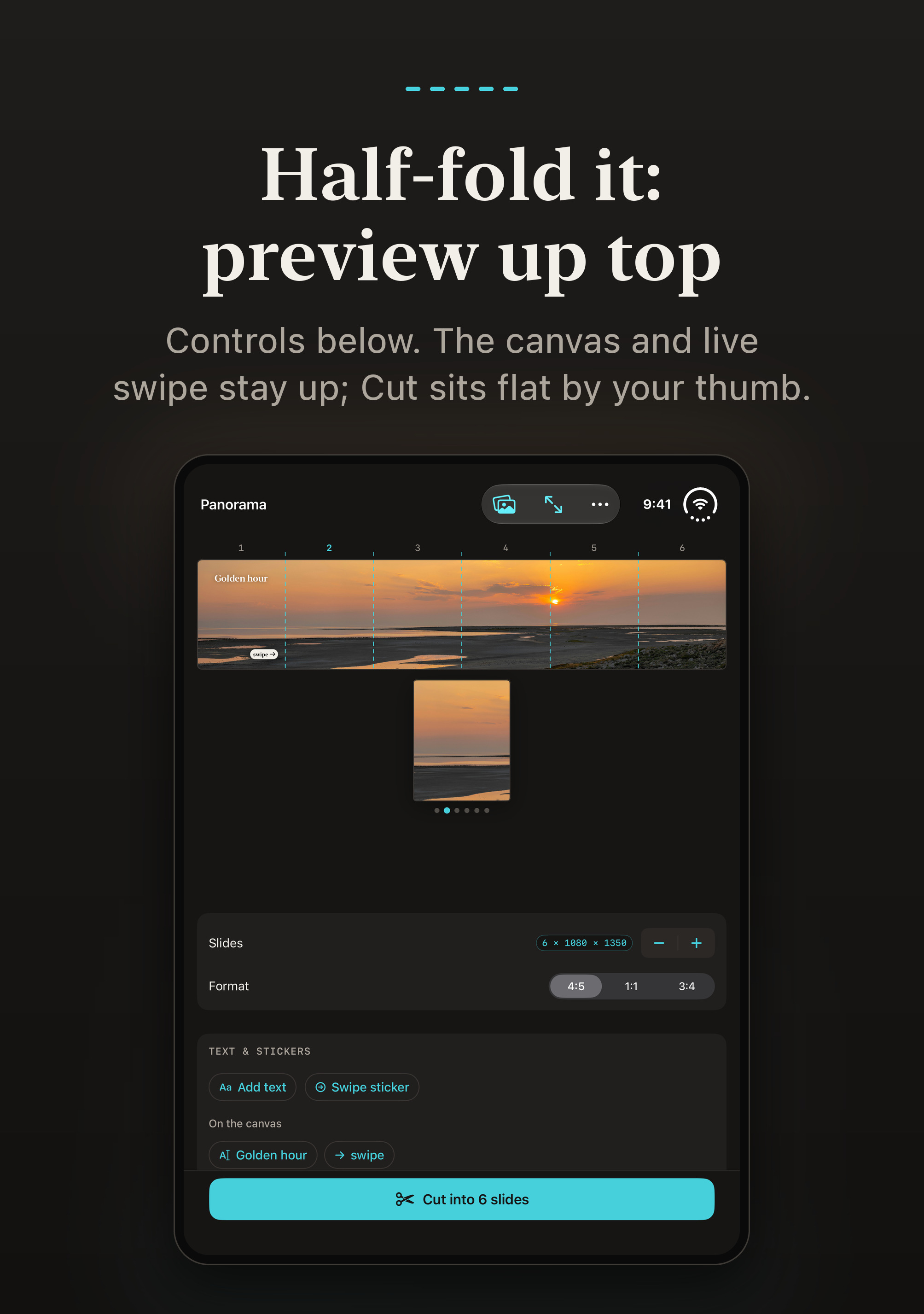
iPhone and iPad, iOS 17 or later. Optimized for iPhone Duo: open like a book, the canvas on one side of the fold and the controls on the other; half-folded, the live preview up top and the controls below.
Accessibility
VoiceOver with an adjustable canvas, Larger Text, Bold Text, Increase Contrast and Reduce Motion
Languages
English, Spanish (Mexico and Spain), Portuguese (Brazil)
Category
Photo & Video, Graphics & Design
Privacy
Data Not Collected. Photos are processed on the device and never uploaded; no account, no ads, no tracking, no third-party SDKs.
Developer
Pulsar Games
App Store
apps.apple.com/app/id6826754319Live from November 11, 2026
Note
Swipescape is an independent app, not affiliated with Meta or Instagram.
Coming soon to the App StoreFact sheet as text (.txt) ↓

DESCRIPTIONS

In a sentence, or in full

Short

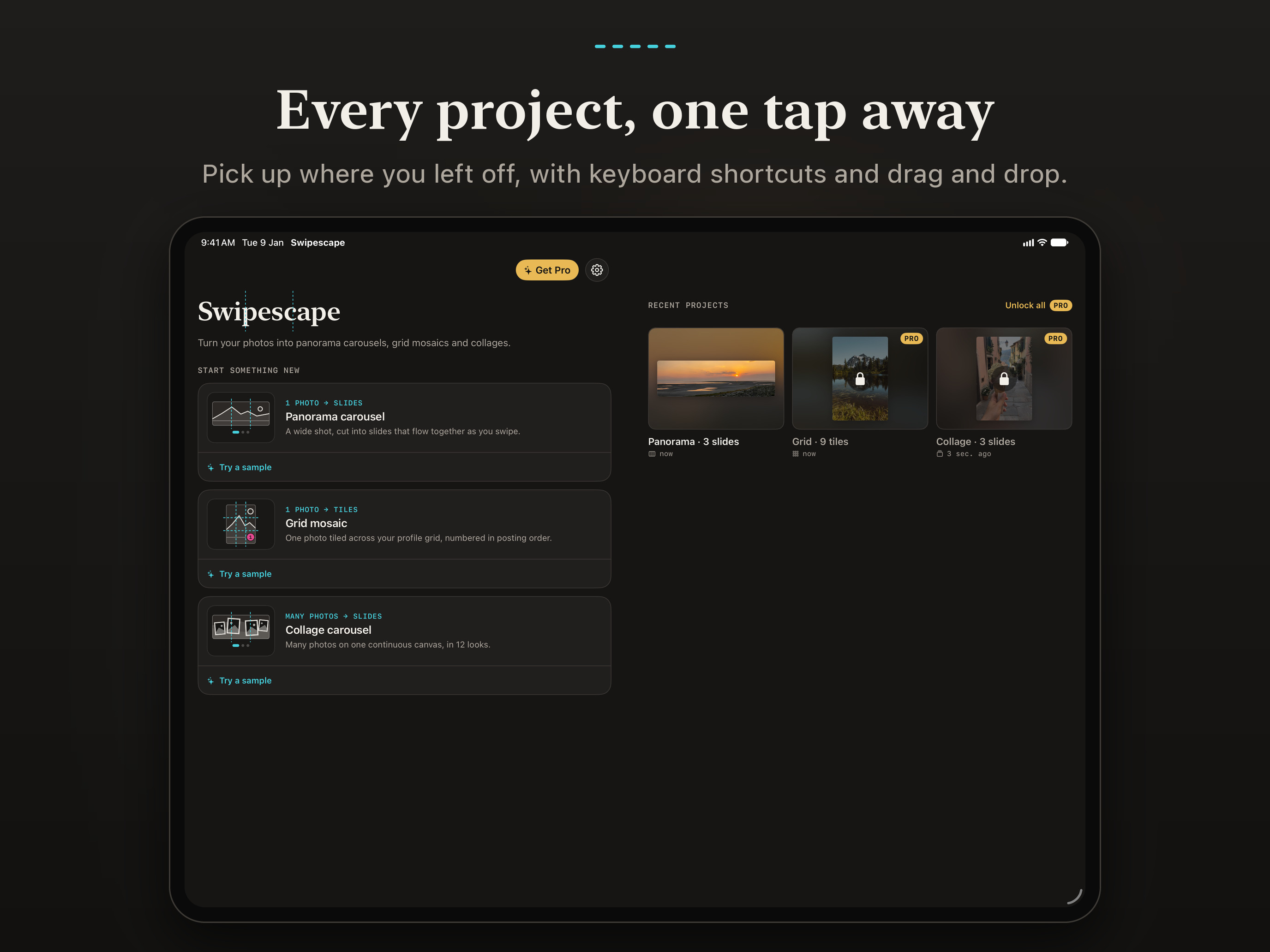
Cut one wide photo into a seamless carousel, a profile-grid mosaic or a collage. Optimized for iPhone Duo, made for iPad, and your photos never leave your device.

Long · as on the App Store

Turn one wide photo into a carousel that flows as you swipe. Swipescape cuts panoramas into seamless slides, tiles one image across your profile grid and stitches many photos into one continuous collage.

No account. No ads. No watermark on free exports. Your photos are never uploaded.

SEAMLESS PANORAMA CAROUSELS

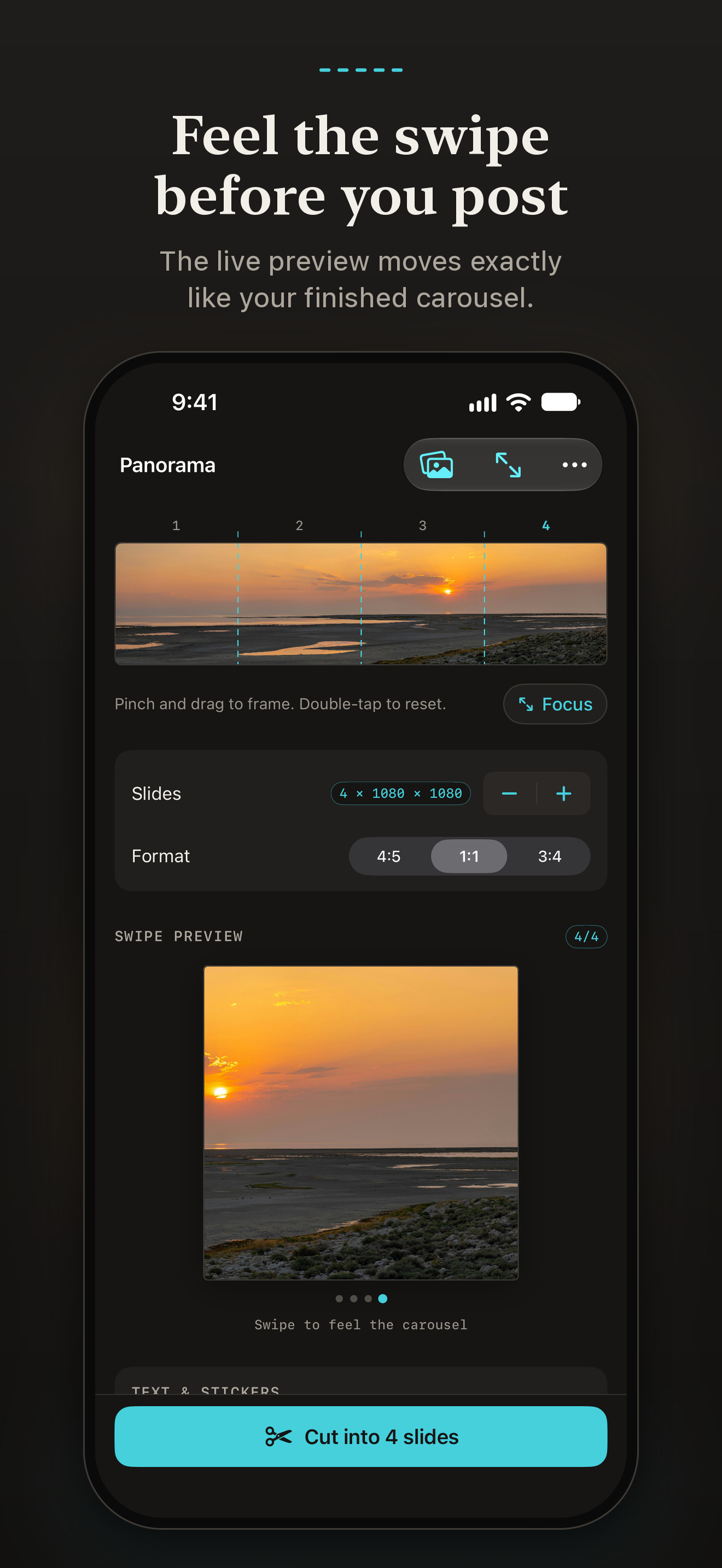
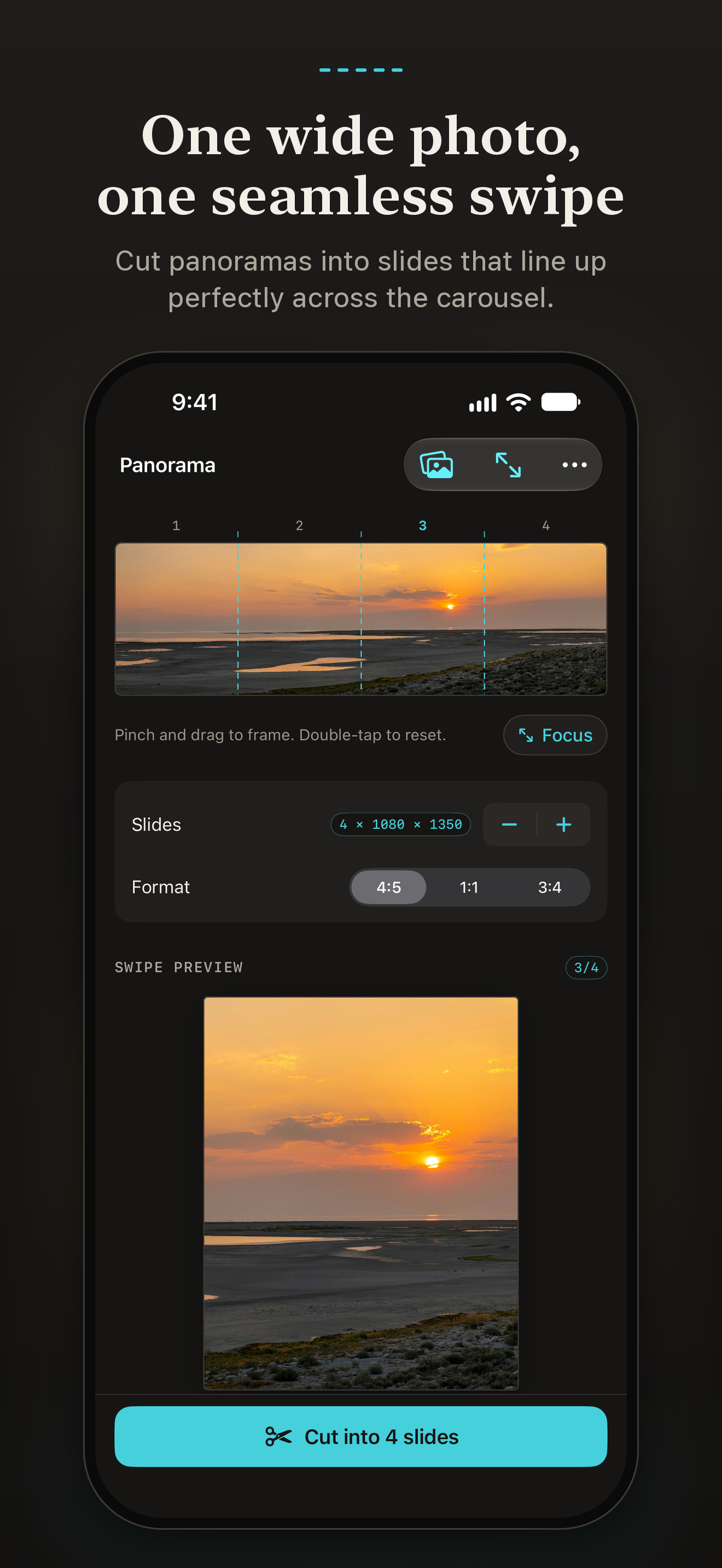
  • Split one wide photo into 2 to 20 slides that line up perfectly
  • Pick 4:5, 1:1 or 3:4 slides
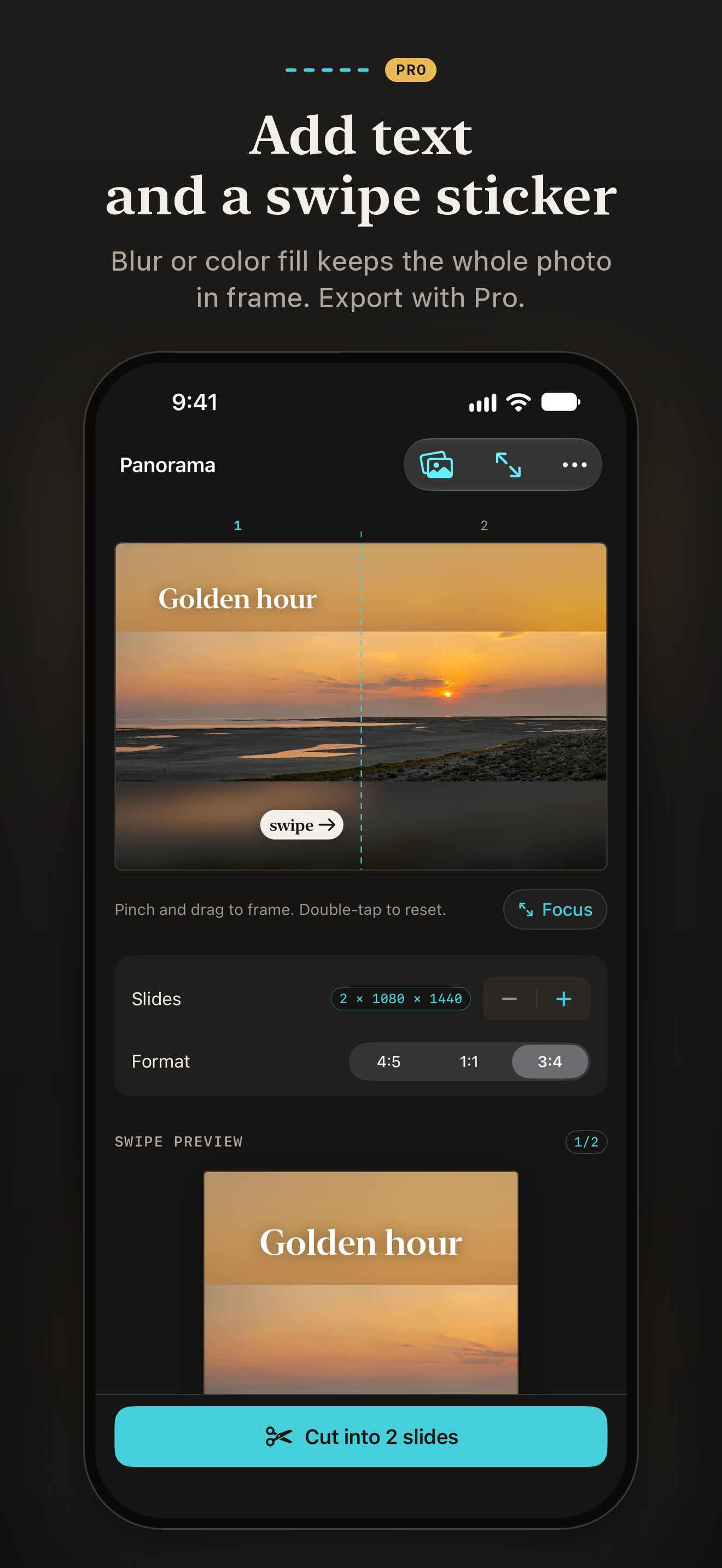
  • Pinch and drag to frame the shot, with cut lines on the canvas
  • Live swipe preview: feel the carousel before you post it

GRID MOSAICS

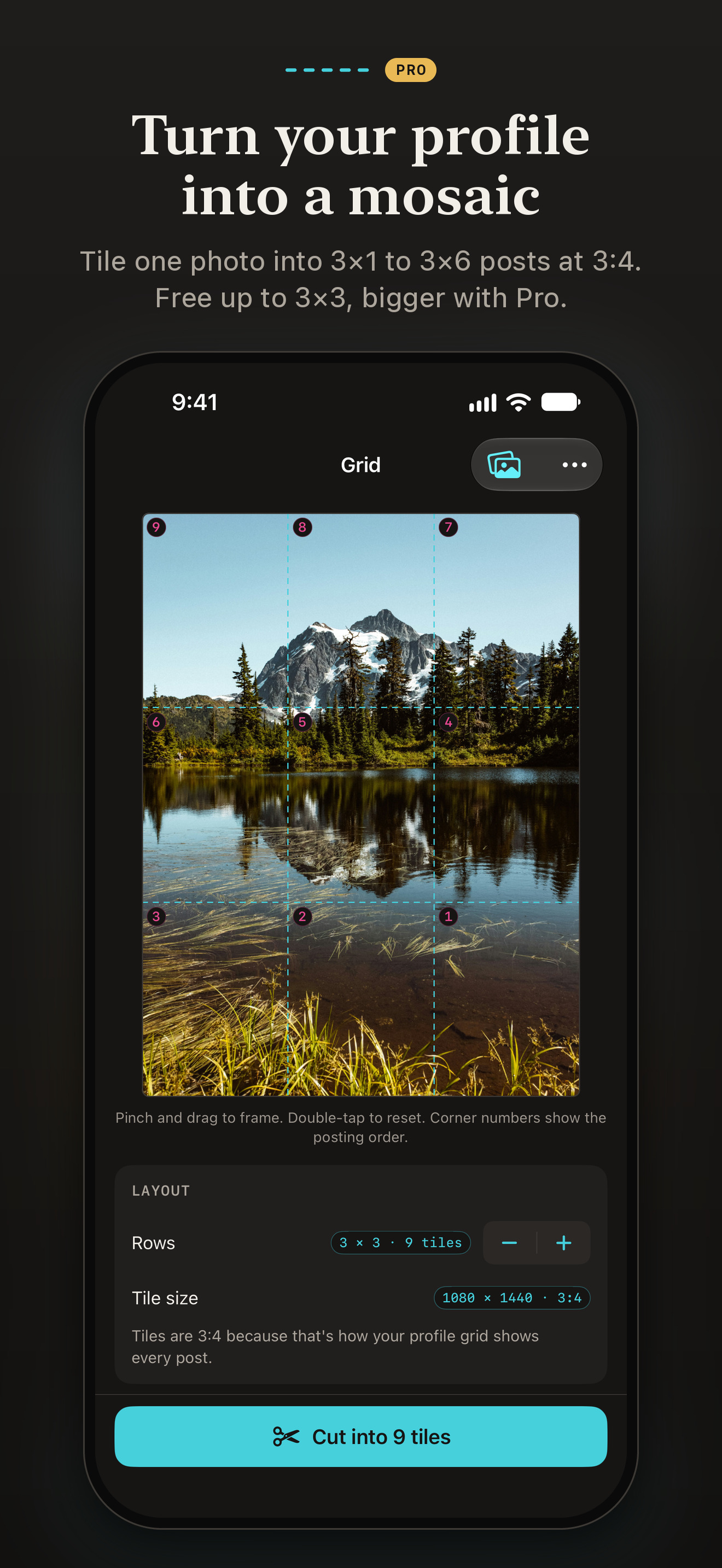
  • Tile one photo into profile grids from 3×1 to 3×6 posts
  • Tiles are cut at 3:4, the shape the profile grid shows
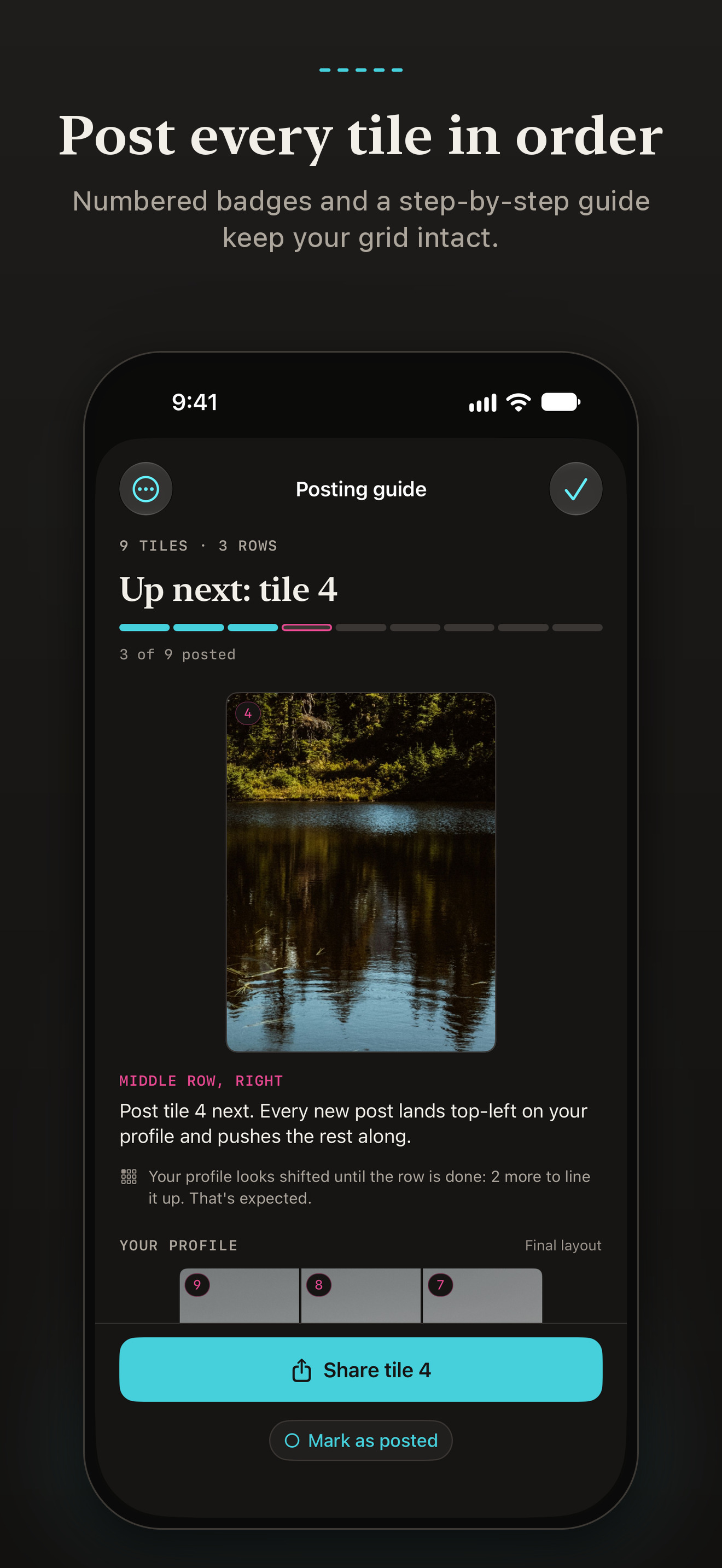
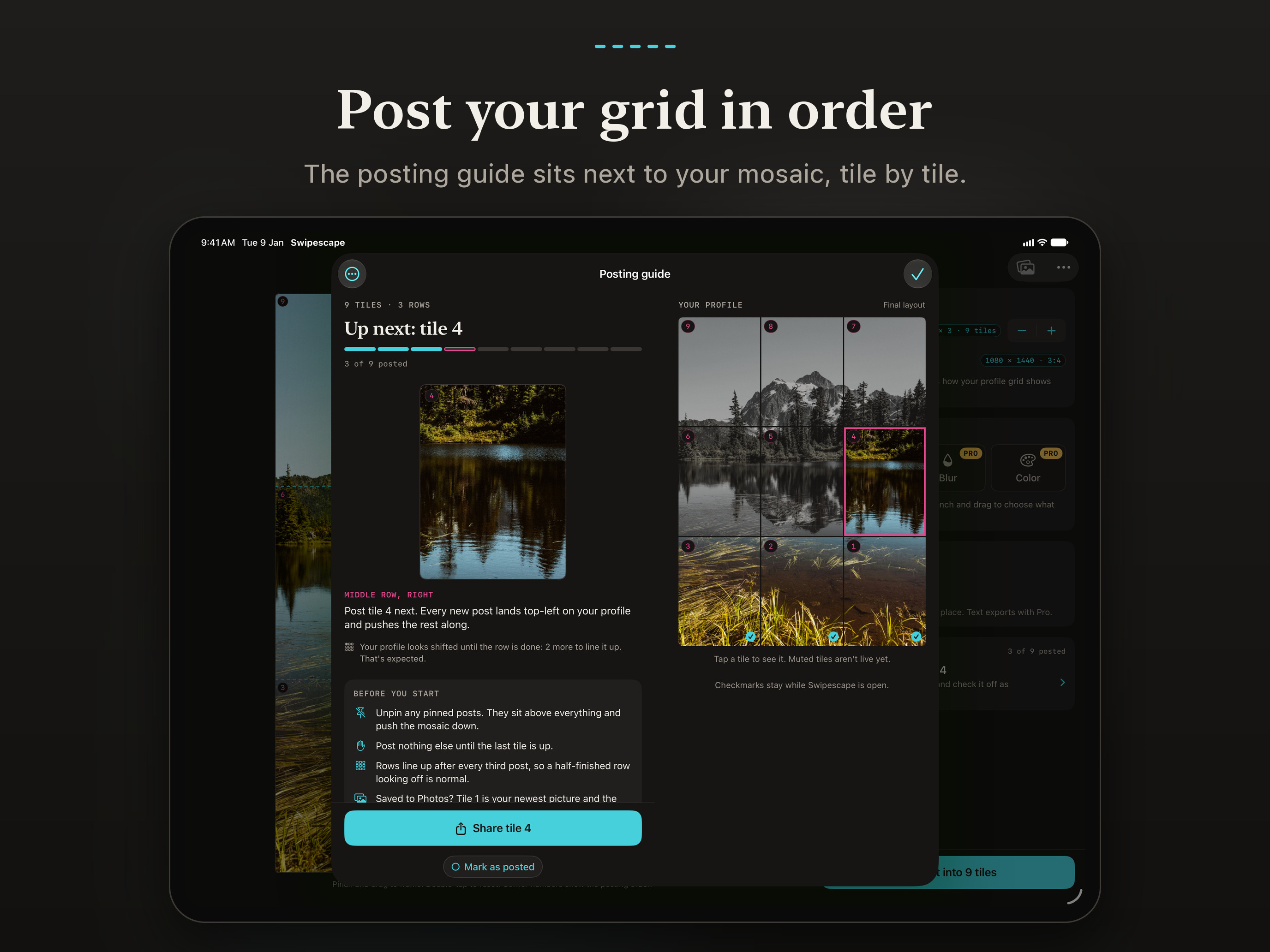
  • Numbered badges show the posting order, so the picture comes together
  • A step-by-step guide walks you through posting, tile by tile

COLLAGE CAROUSELS

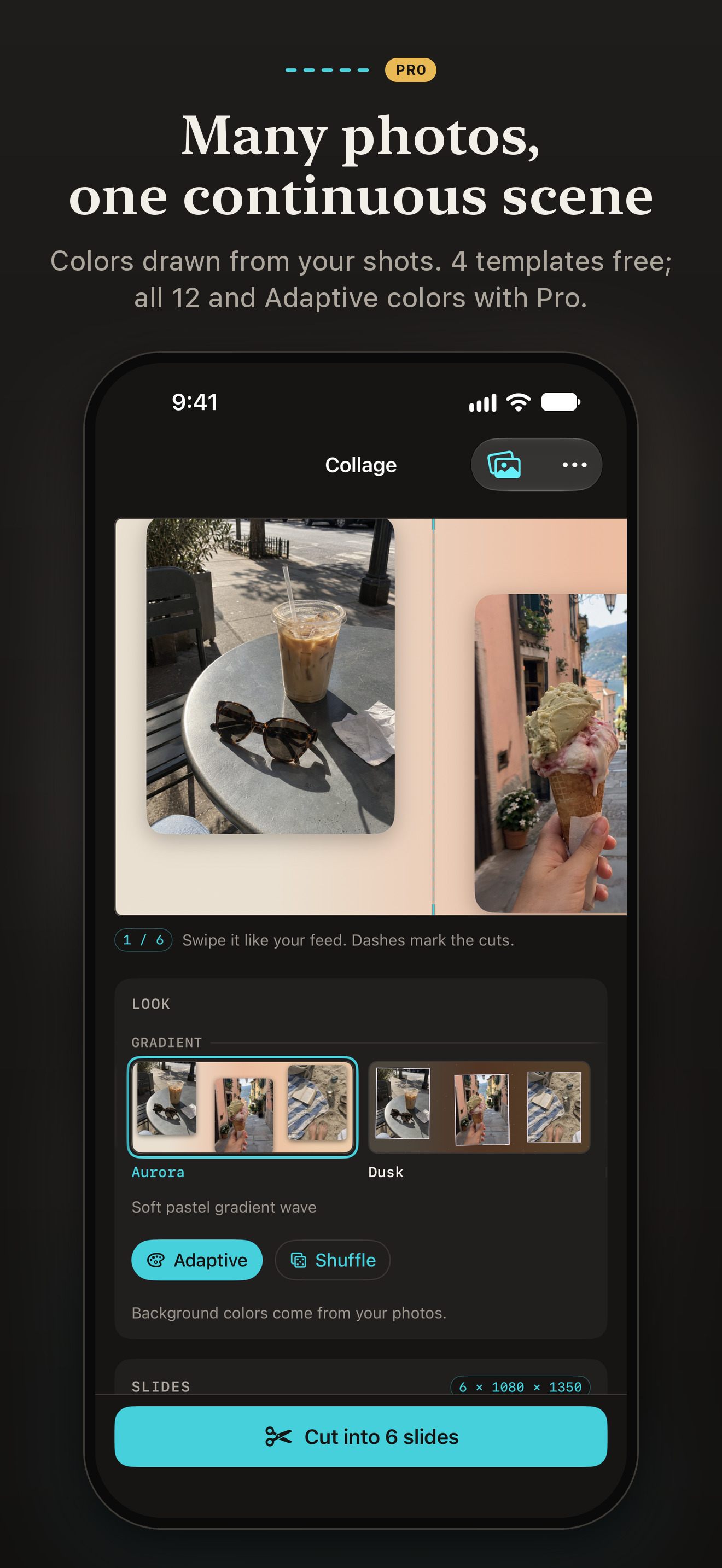
  • Stitch 2 to 20 photos into one scene that runs across every slide
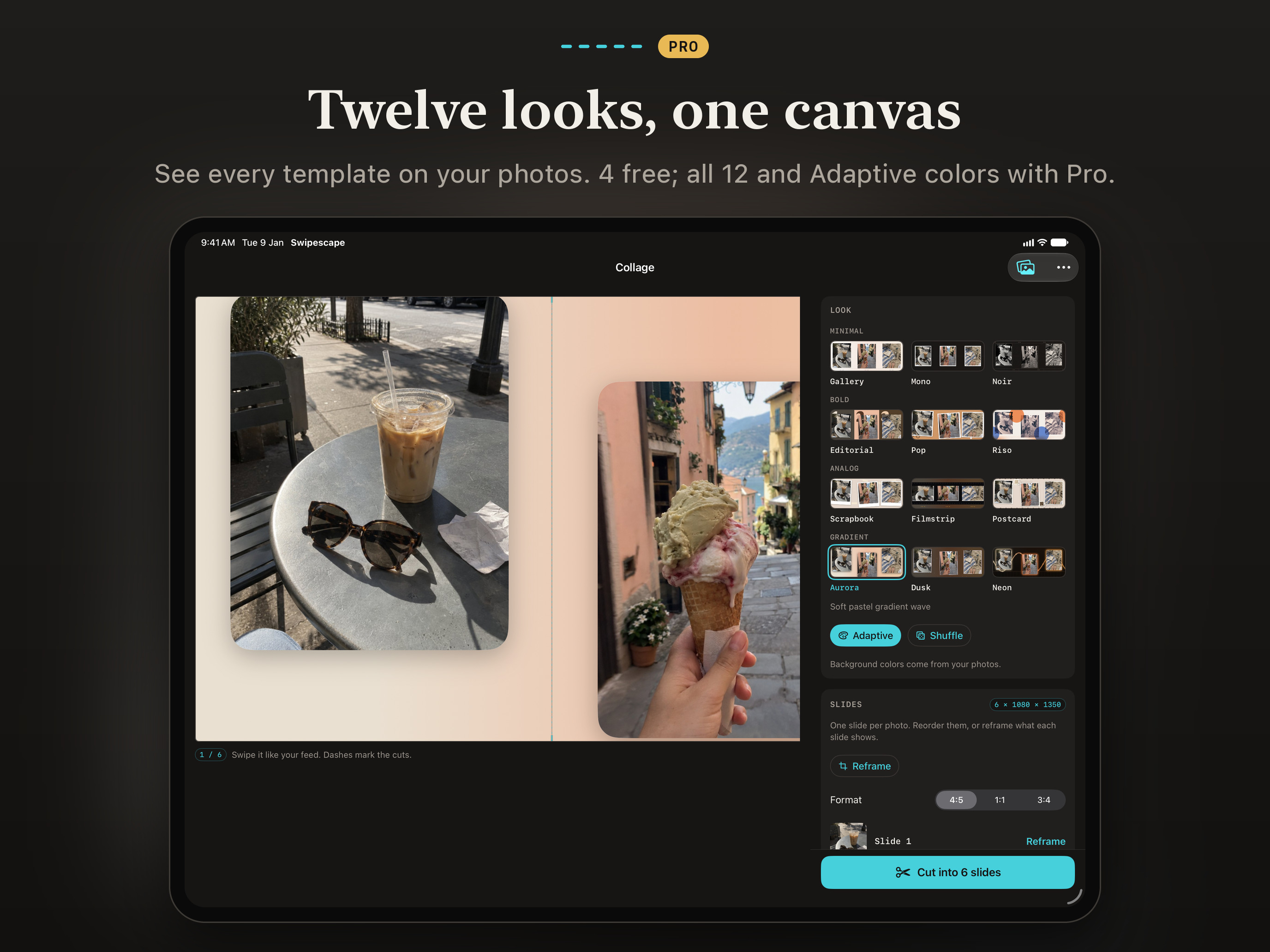
  • 12 templates, from clean gallery walls to scrapbook and film looks
  • Adaptive colors build each background from your own photos
  • Reframe every photo inside its frame

FINISHING TOUCHES

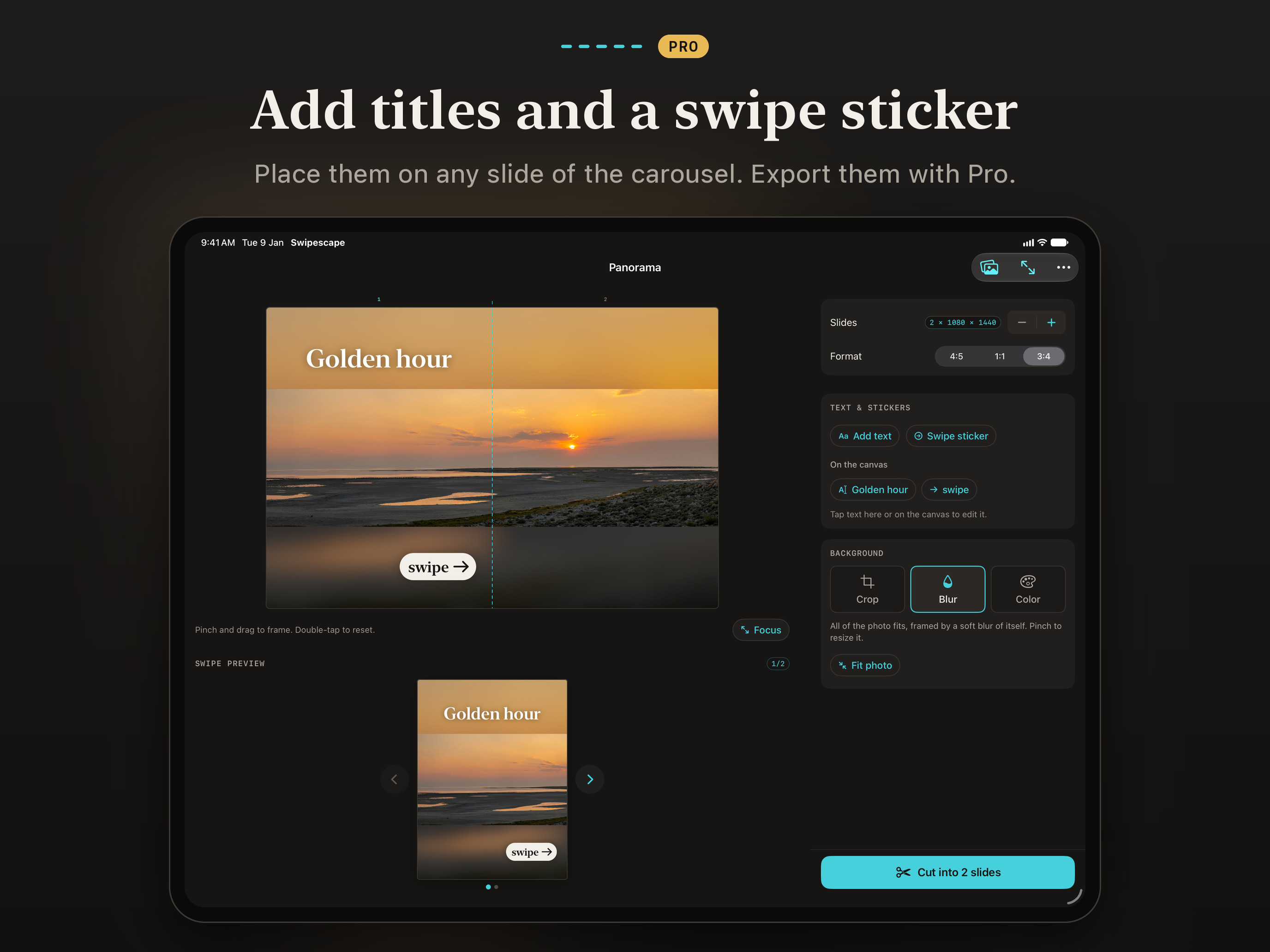
  • Text overlays and a “swipe →” sticker
  • Background fill with blur or a solid color, so the whole photo fits
  • Projects are saved on your device, so you can pick up where you left off

READY TO POST

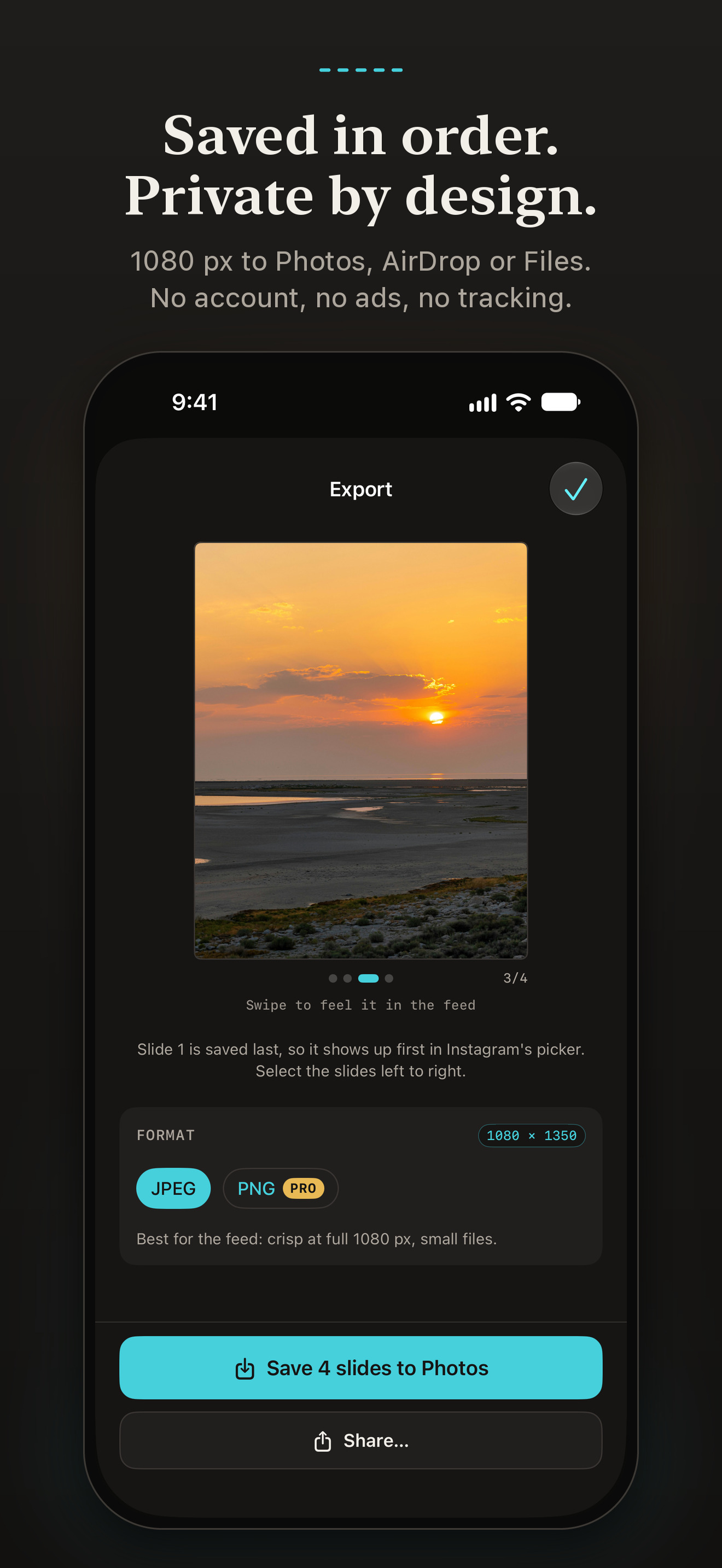
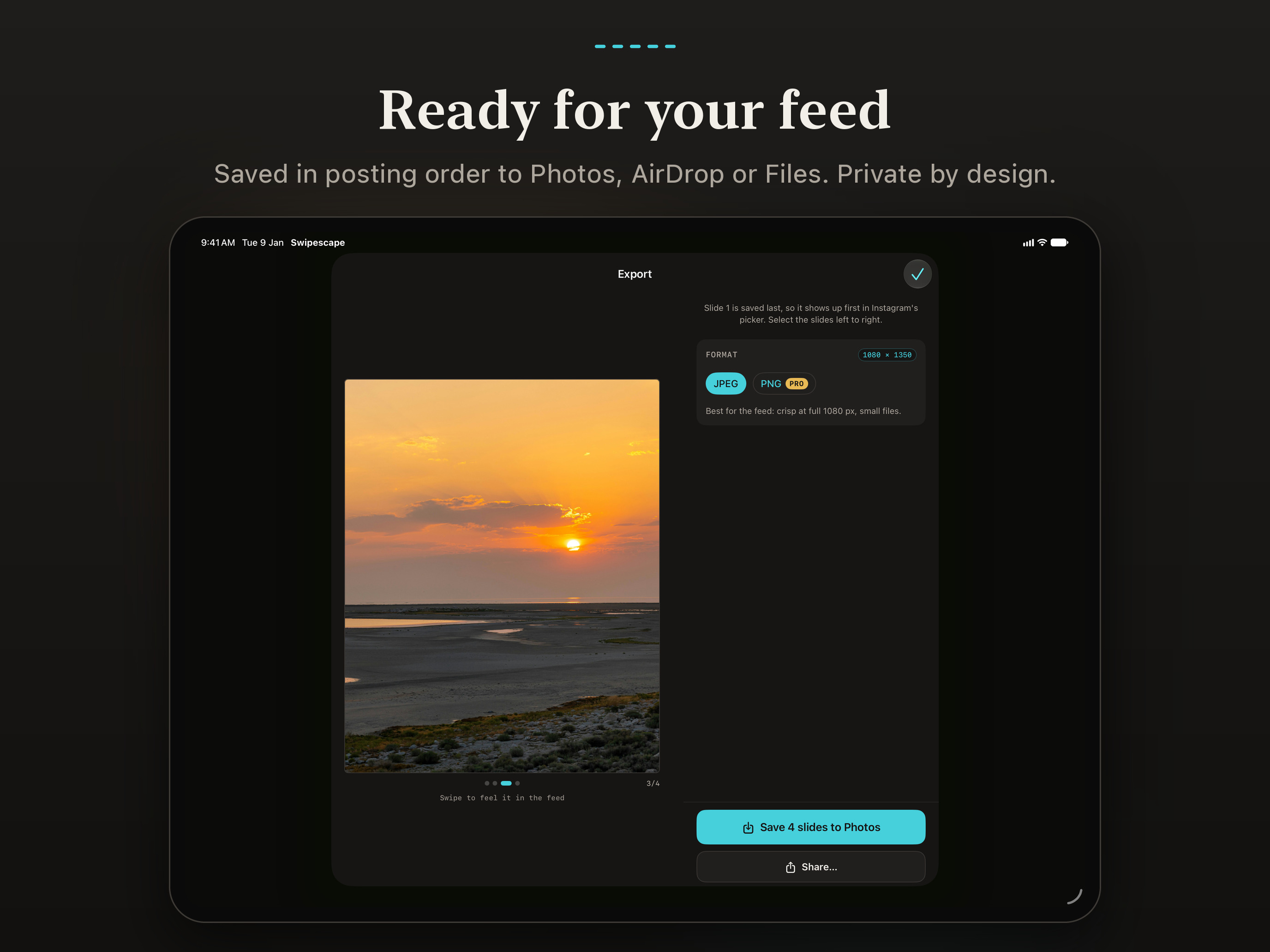
  • Saves to Photos at 1080 px wide, in the right order for posting
  • Share to AirDrop, Files or any app from the share sheet
  • Export as JPEG, or PNG with Pro
  • Sized for Instagram feeds and profile grids. Swipescape is an independent app, not affiliated with Meta.

IPHONE, IPAD AND IPHONE DUO

  • Optimized for iPhone Duo: closed; open like a book, with the canvas on one side of the fold and the controls on the other; or half-folded, with the live preview up top and Cut below
  • On iPad: Split View, Stage Manager, keyboard shortcuts, pointer, and drag and drop from Photos

ACCESSIBLE

  • VoiceOver with an adjustable canvas, Larger Text, Bold Text, Increase Contrast and Reduce Motion

PRIVATE BY DESIGN

Every cut happens on your device. Swipescape collects no data: no accounts, no ads, no tracking and no third-party SDKs. You pick photos with the system photo picker, and library access is add-only, used just to save your results.

FREE

  • Carousels of 2 to 5 slides
  • Grids from 3×1 to 3×3
  • Collages of 2 to 6 photos with 4 templates
  • Your most recent project
  • Clean exports with no watermark

SWIPESCAPE PRO

Up to 20 slides, grids up to 3×6, collages of up to 20 photos, all 12 templates, Adaptive colors, text and the swipe sticker, background fill, PNG export, unlimited projects and a posting checklist that remembers which tiles are live. Try any Pro setting in the live preview before you pay. Not ready for Pro? Export a Pro design with a small Swipescape mark on each slide that uses a Pro feature.

  • Swipescape Pro Lifetime: $9.99 once. No subscription and nothing renews; Family Sharing is included.

Prices are in US dollars and vary by country or region. Your local price is shown before you confirm.

SCREENSHOTS

The App Store screenshots

In English, at full size, as on the App Store. Tap one to download it; the zip has them all.
APP ICON

The Swipescape app icon: three tilted slides of one sunset over the sea, on cyanApp iconPNG · 1024 × 1024 ↓

Shown here with rounded corners, as on the App Store and the Home Screen; the file is square and full-bleed. The zip also has it at 512, 256 and 128 px.

CONTACT

Questions and interviews

For interviews or anything else, write to support@pulsar-games.com. Swipescape is made by Pulsar Games.